Pet Memorial Video
A step-by-step guide to making a pet memorial video from your photos — structure, music, captions — and a keepsake portrait you can print.
What makes a good pet memorial video
The videos that move people are simple: one pet, real photos, chronological order, and a quiet piece of music. Nothing flashy. The goal is a keepsake, not a production.
1 — Gather 8–15 photos
Choose photos across their life: puppy, favourite places, sleeping spots, funny moments, the last good day. Phone photos are perfect. Blurry but meaningful beats sharp but generic.
2 — Pick the structure
The classic memorial structure: introduction (a favourite still), chapters (3–5 photos per stage of life), quiet ending (a final photo, then black). Keep chapters short — about 5 seconds per photo.
3 — Music and captions
Instrumental music works better than lyrics. A single line of text is enough: their name, and the years. Avoid long quotes.
4 — A printed keepsake
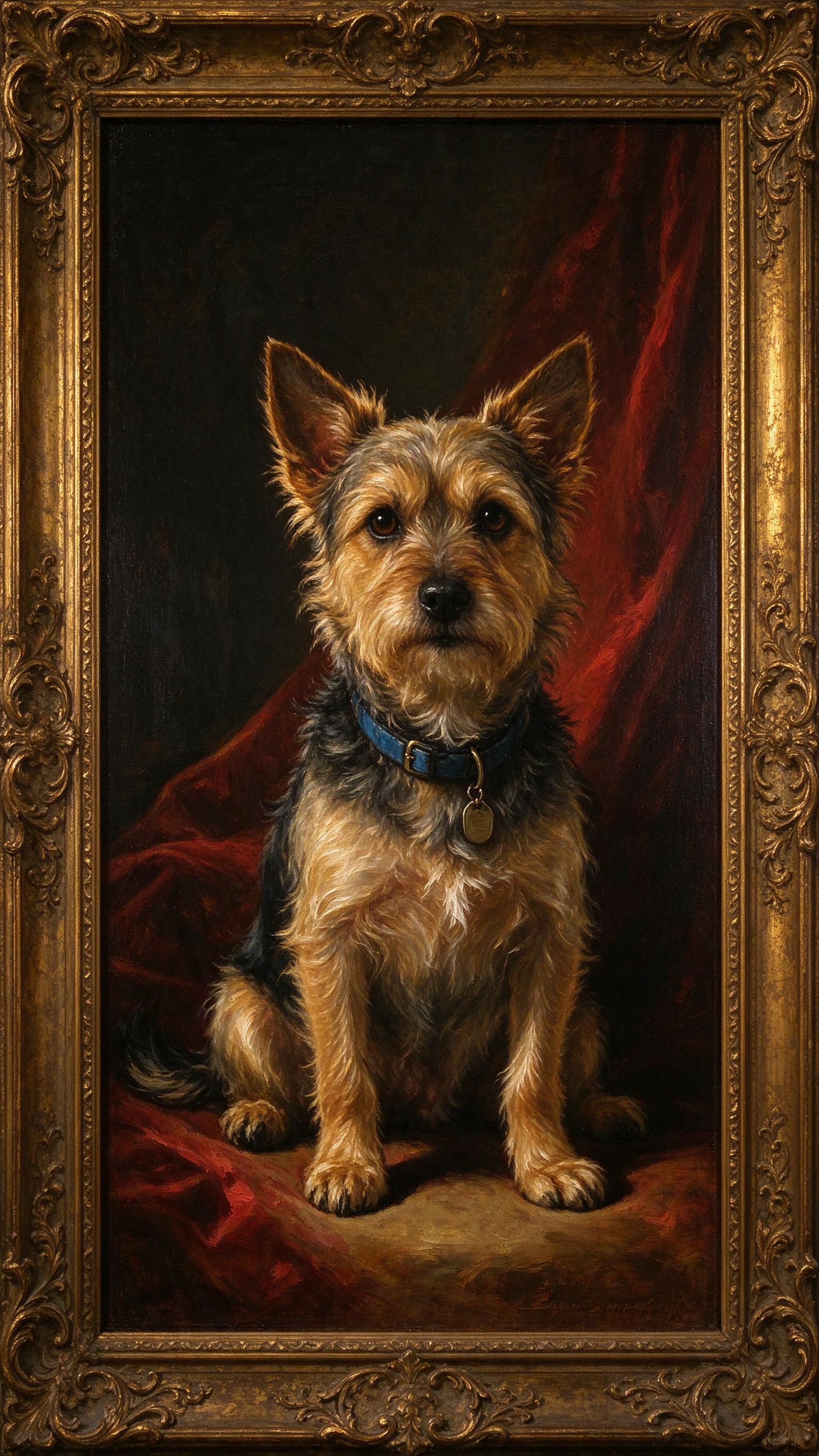
Many people pair the video with a printed portrait — a renaissance-style painting of their pet, framed beside the screen. You can create one from a single photo in about 20 seconds with the generator on this site.
Practical notes
- Export vertical 9:16 for social platforms, landscape for family sharing
- Keep the file as a keepsake, not just a post
- Don't add AI labels to photos of the real animal; do label AI-generated images
Pricing
The generator is free to try (3 watermarked previews). Get the clean 2K portrait below.
Single portrait
- 1 portrait, any style
- 2048×2048 · no watermark
- Delivered by email within 24h
3-style bundle
- 3 portraits, 3 styles
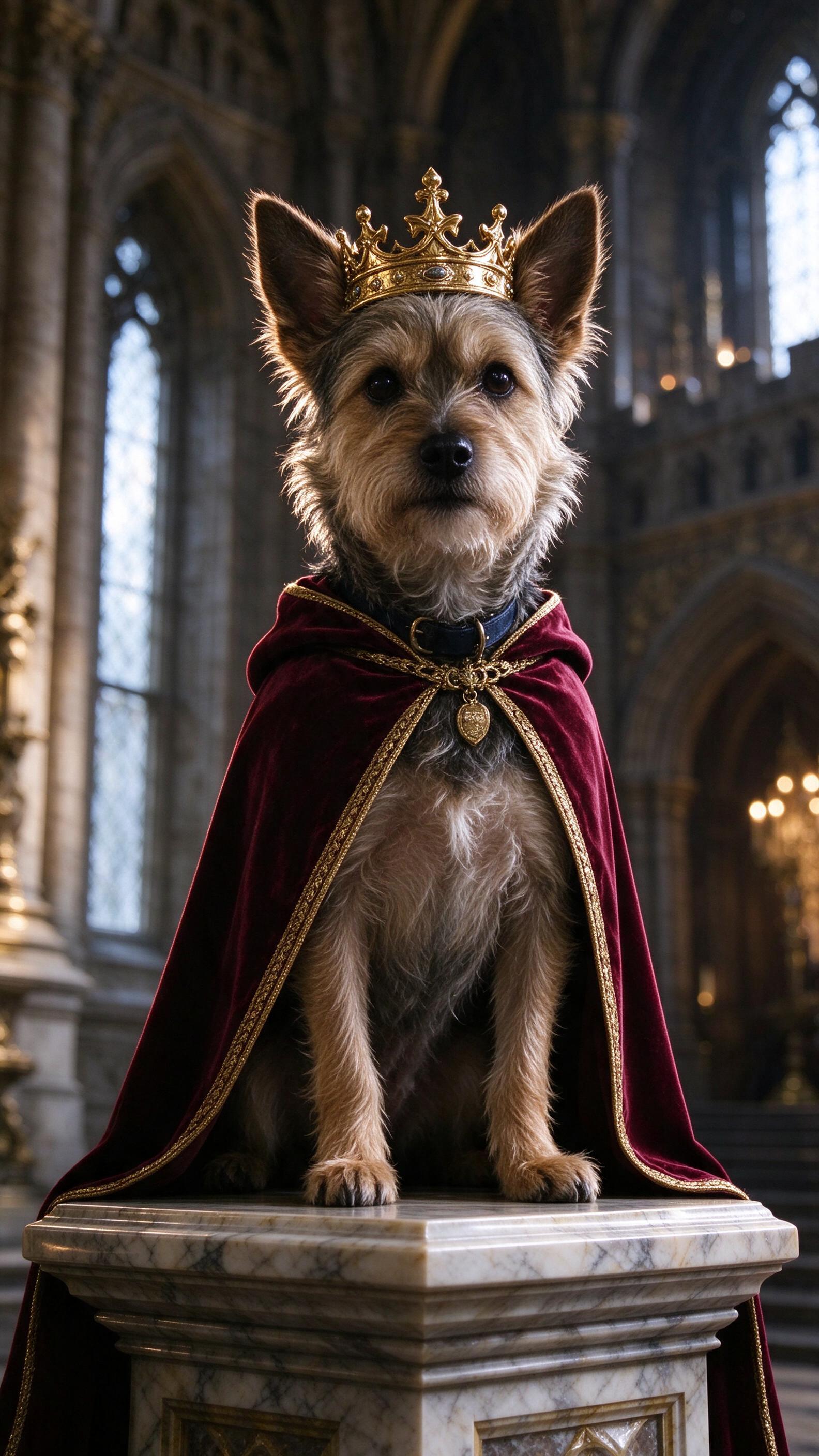
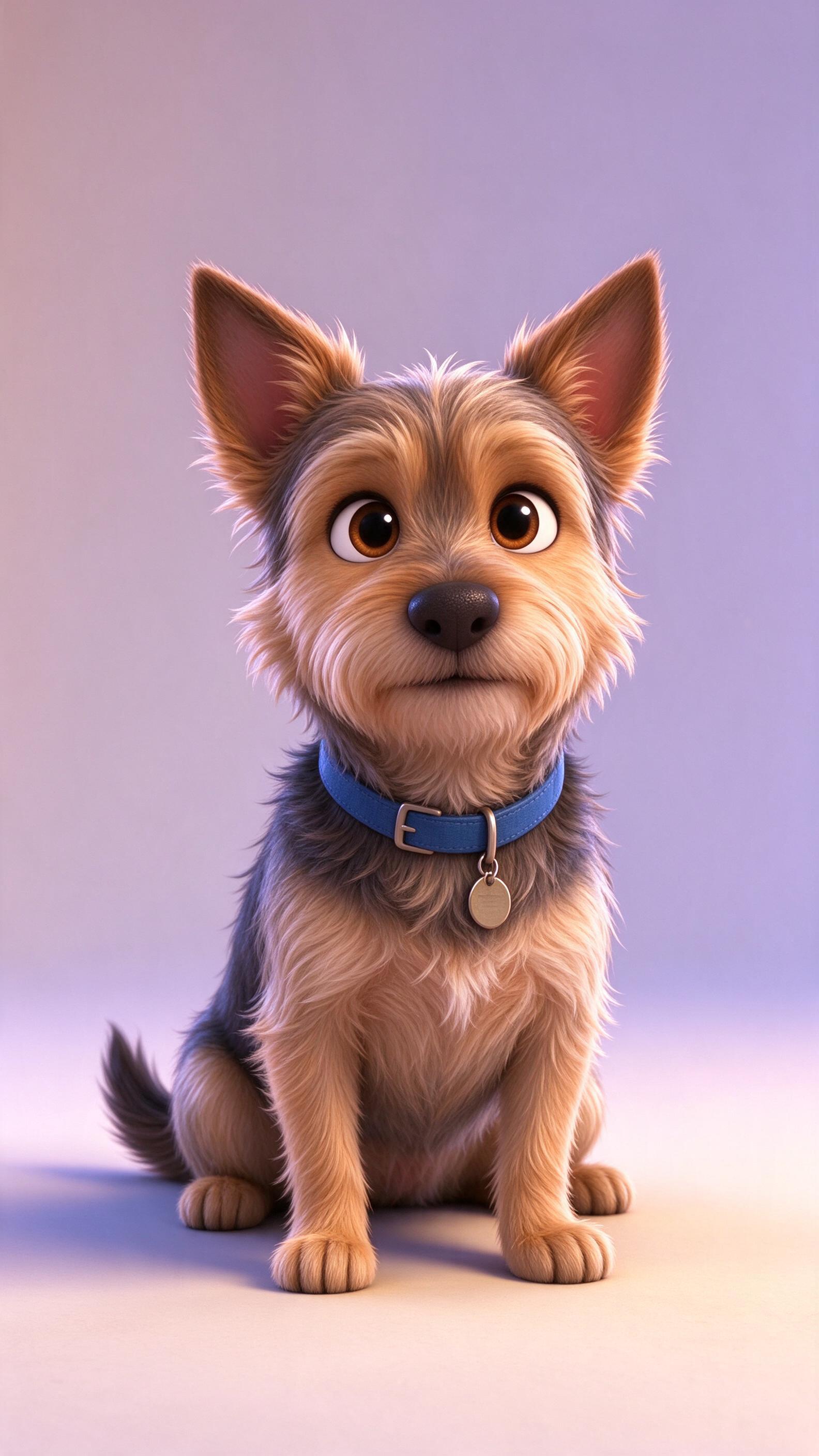
- Same photo, three masterpieces
- No watermark
Gift pack
- 10 portraits
- Multiple photos or pets
- Great as a gift
Frequently asked questions
How many photos do I need?
8–15 photos is a good range for a 1–2 minute memorial video.
Can I make a memorial portrait instead of a video?
Yes — the portrait generator on this site creates a single keepsake portrait from one photo.
What music should I use?
Instrumental music with no vocals; make sure you have the rights to use it.
Is it okay to use AI for a memorial?
A portrait or a restyled photo is fine as long as it's clearly a keepsake, not a fake memory. Label AI-generated images.